

To sell digital downloads on Etsy, create a listing, mark it as digital, upload up to 5 files (max 20MB each), and choose instant download or made to order. Etsy delivers instant files automatically after payment, so your only ongoing work is keeping the files current and the listing compliant.
Digital products are one of the few things you can sell on Etsy with zero inventory, no shipping, and near-100% margin after fees. The catch is that the listing setup has specific rules, and getting a file format or delivery choice wrong is what trips up most new sellers. This guide walks through the full process: building the listing, file limits, delivery types, pricing, licensing, and the policy mistakes that get listings pulled.
You do not need a website, an email list, or paid ads to start. The whole point of choosing to sell digital downloads on Etsy is that the marketplace already brings buyers, handles checkout, and delivers your files for you. Your job is to make the right product, package it correctly, and describe it so clearly that nobody has to message you to figure out what they bought.
What counts as a digital download on Etsy?

A digital download is any file a buyer pays for and receives electronically instead of in the mail: printable wall art, planners, SVG cut files, Canva templates, Lightroom presets, fonts, spreadsheets, ebooks, and digital patterns. Etsy treats these as their own listing type. When you mark a listing as digital, the shipping section disappears and an upload section takes its place.
You can attach your files directly to the listing for automatic delivery, or set the item to made to order if you personalize each file by hand. Both are valid, and the right choice depends on whether your product is ready-made or customized per buyer. More on that below.
📌 Did You Know?
Etsy ended 2025 with 5.6 million active sellers, according to its Q4 2025 financial results. Digital products sit in that crowded field, which is exactly why a clean, well-targeted listing matters more than the number of items you upload.
How to create a digital download listing on Etsy

The setup runs through Etsy’s standard listing flow, with a few digital-only steps. Here is the order that works.
Step 1: Start the listing and add your photos

From your Shop Manager, click Listings, then Add a listing. Even though there is no physical product, you still need photos. Use mockups that show the finished result: a printable framed on a wall, a planner page on a tablet, an SVG applied to a mug. Etsy lets you add up to 10 images, and the first one is your thumbnail in search, so make it the clearest. Add a short video if you can, since it lifts engagement on busy category pages.
Step 2: Set the listing type to digital
In the listing details, look for the section that asks whether this is a physical or digital item, and choose digital. This is the switch that turns on file uploads and removes shipping. If you skip it, Etsy will ask buyers for a shipping address on a file they can never receive in the mail.
Step 3: Upload your files (the 20MB and 5-file rules)
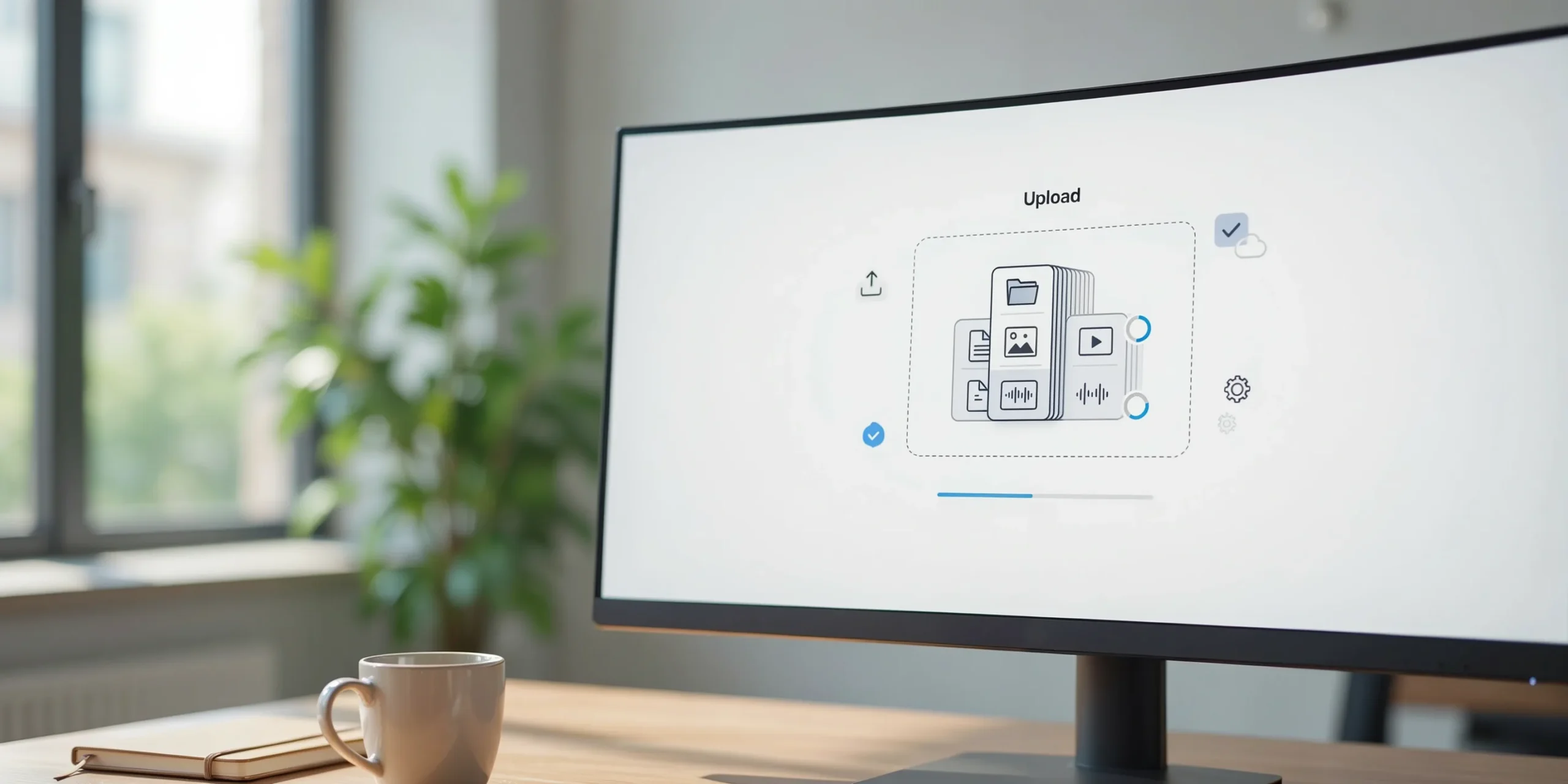
Here are the hard limits, straight from Etsy. You can upload up to 5 files per listing, and each file can be a maximum of 20MB, for a total of 100MB. File names are limited to 70 characters using letters, numbers, periods, underscores, and hyphens. Etsy’s guide to managing digital listings confirms these caps.
If your product is larger or has more than 5 parts, the standard fix is to bundle files into a ZIP archive, which counts as a single file. For print-ready art, save as JPEG at quality 90 to 95 instead of PNG, since PNG files can be three to five times larger at 300 DPI and blow past the 20MB cap for no visible gain.
💡 Seller Tip
For oversized planners or video courses, upload a small PDF that contains a private download link to your Google Drive or Dropbox folder, instead of cramming the real file into 20MB. Lock the linked folder to view-only and never expire the link, so buyers keep access. This keeps you inside Etsy’s limits without shrinking your product.
Step 4: Choose instant download or made to order
If your files are finished and identical for every buyer, leave the listing as an automatic instant download. Etsy sends the files the moment payment clears, with no action from you. If you personalize each file, set the item to made to order so buyers know they will receive the file from you after you build it. We compare the two in the next section.
Step 5: Write the description and set after-purchase instructions
Spell out exactly what the buyer gets: file formats, dimensions, number of pages, software needed, and what they can and cannot do with the file. Add a clear line that this is a digital product with nothing shipped. Etsy lets you include a note that buyers see after purchase, so use it to point them to the download and to any external link if you used one.
Instant download vs made to order: which delivery type to pick
The delivery type changes your workload and your pricing power. Instant downloads scale because Etsy does the delivery; made to order earns more per sale but needs your time on each one. Here is how they compare.
Delivery types side by side
| Feature | Instant Download | Made to Order |
|---|---|---|
| Who delivers | Etsy, automatically | You, by message or email |
| Delivery speed | Immediate after payment | Depends on your turnaround |
| Personalization | None, same file for all | Names, dates, custom edits |
| Scales while you sleep | Yes | No, capped by your hours |
| Typical price | Lower, volume-driven | Higher, time-driven |
Most sellers start with instant downloads because there is no per-order labor. Etsy’s help page on downloading digital items notes that instant files are ready as soon as payment is confirmed, while made-to-order files arrive on the seller’s own timeline. If you sell custom invitations or name signs, made to order is the only honest choice, and you can charge for the customization.
How to price your digital downloads

Digital pricing is not about covering material cost, since there is none after the first file. Price on the value to the buyer and on what comparable listings charge. A single printable might sit at 3 to 6 USD, a bundle at 10 to 25 USD, and a full template kit higher. Factor in Etsy’s listing fee, the transaction fee, and payment processing so your margin survives. Avoid pricing so low that buyers assume the file is thin or low quality.
Before you settle on a number, look at what is actually selling in your niche rather than guessing. Demand and price points shift by season and category, and matching the live market beats copying one competitor. For a full breakdown of the math, see our guide on how to price Etsy products.
⚠️ Common Mistake to Avoid
Selling a file you do not own the rights to. Reselling someone else’s clip art, fonts, or a Canva template built on assets you are not licensed to redistribute is the fastest way to a takedown and a strike on your shop. Only list files you created or hold a commercial, resale-eligible license for, and keep proof of that license on hand.
Licensing and terms: protect your files and set buyer expectations
State the license in every listing. Make it clear whether the buyer gets personal use only or commercial use, and whether they can resell or redistribute the file (they should not be able to). Spell out that the purchase grants a license to use the file, not ownership of the design. This single paragraph prevents most disputes and gives you ground to stand on if a buyer reshares your work. Licensing is where many people who set out to sell digital downloads on Etsy lose money quietly, because one shared file can replace dozens of future sales.
Also set a no-refund expectation where allowed. Because digital files cannot be returned once downloaded, many sellers state up front that all digital sales are final, while still helping buyers who hit a genuine download problem. Clear terms reduce both refund requests and bad reviews from confused buyers.
Common policy and quality mistakes that get listings removed
Beyond licensing, a handful of avoidable errors hurt new digital shops. Watch for these.
- Forgetting to mark the listing digital. Buyers get asked for a shipping address and your delivery breaks.
- Uploading the wrong or outdated file. Double-check the attached file matches the description before publishing, and re-upload after every edit.
- Blurry or low-DPI art. Print files should be 300 DPI. Anything less prints fuzzy and earns one-star reviews.
- Vague descriptions. Not stating formats, sizes, or software needed leads to refund requests when buyers cannot open the file.
- Keyword stuffing the title. Etsy ranks readable, specific titles. Cramming repeated terms reads as spam to both the algorithm and the buyer.
Getting found is the other half of the job. Even a flawless listing needs the right tags and title to surface in search, so pair this setup with our Etsy SEO guide once your files are live.
💡 Seller Tip
A common move among top digital sellers is to publish one strong listing, then create variations of it rather than 50 random products. Pick a niche, build a tight set of related files, and link them in your descriptions so one sale leads to another. Etsy’s own Seller Handbook on digital downloads echoes this focus on a clear, repeatable product line.
Not sure what file to make first? Browse our roundups of digital products to sell and the best printables to sell on Etsy for niche-by-niche ideas grounded in current demand.
See what’s selling on Etsy right now
The hardest part of digital downloads is picking a product people actually want this month. Podkon tracks live Etsy best-sellers and trends across every category, so you can spot demand before you list. See the full toolset on our features page.
✅ Key Takeaways
- Mark the listing digital first, or Etsy breaks delivery by asking for a shipping address.
- You get 5 files, 20MB each (100MB total); ZIP bundles and external links handle anything bigger.
- Use instant download to scale; use made to order only when you personalize each file.
- Price on buyer value after fees, not on cost, and check live market prices first.
- State your license clearly and only sell files you own or are licensed to resell.
- Pair a clean listing with strong Etsy SEO so buyers can actually find it.